
Support Westmount Shul
Help our community
continue to grow.
Your support strengthens serious tefillah, serious Torah learning and the warm community life that makes Westmount a home.
Credit-card donation
Support Westmount securely online.
Your donation is processed securely by Clover and sent directly to Westmount Shul.
Ready to support Westmount?
Continue to the secure donation form →Interac e-Transfer
Send your donation to the Shul office.
Sign in to your bank or credit union, choose Interac e-Transfer, and add or select the recipient below.
This is the Interac e-Transfer address currently used by Westmount Shul.
Please write “Kupat Ha'Ir” in the Interac message.
This identifies your gift for Westmount's monthly communal contribution, which the Shul forwards to Kupat Ha'Ir in Israel.
Please write “Chasday David” in the Interac message.
This identifies your gift for Westmount's monthly support of Kollel Chasday David in Yerushalayim.
- 01
Open online bankingSign in through your bank's website or mobile application.
- 02
Choose Interac e-TransferSelect the option to send money to a recipient.
- 03
Select the Shul officeUse office@westmountshul.com as the recipient's email address.
- 04
Add a designation and sendWrite “Kupat Ha'Ir” or “Chasday David” in the message before sending.
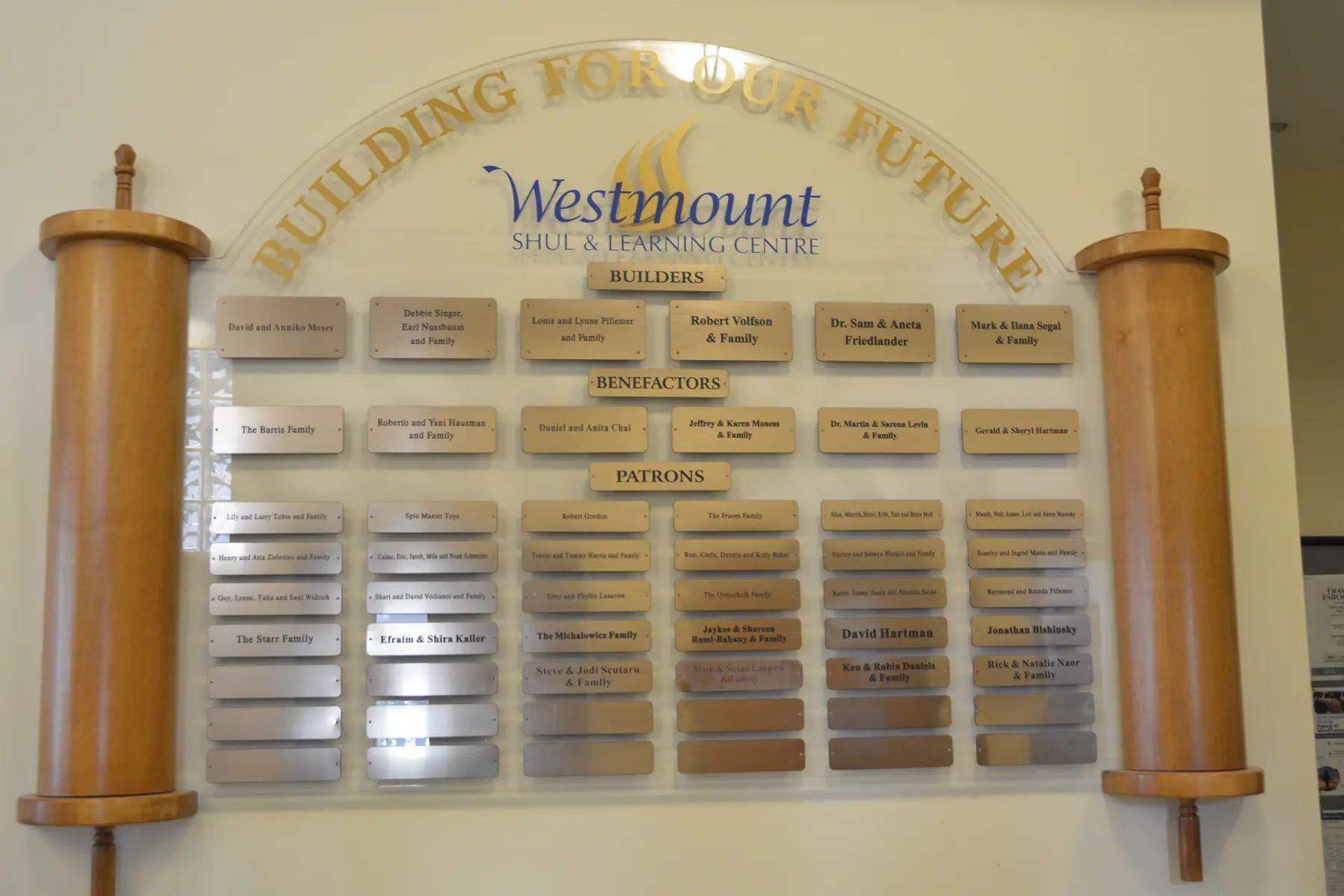
Built through generosity
Every chapter is made possible by people who care.
Our Building For Our Future wall recognizes members and friends whose support helped Westmount grow. Your generosity continues that tradition.